Can I run AI locally?
Yes, if your PC has enough memory, storage, and patience. Small local models can run on normal desktops; larger models usually need more RAM, more VRAM, and better cooling.
 Deskmate
Local AI PC checker
Check whether your PC is better suited for local AI models, ChatGPT-style cloud assistants, Claude through an API, or a lightweight desktop voice assistant like Deskmate.
Interactive checker
Pick the closest options. The checker does not scan your device or collect specs; it only uses your choices in this browser.
Five quick answers
Yes, if your PC has enough memory, storage, and patience. Small local models can run on normal desktops; larger models usually need more RAM, more VRAM, and better cooling.
Most consumer PCs are better for lightweight chat, coding help, summarization, or private experiments. Realtime voice, vision, and screen-aware workflows often feel better with hosted or hybrid providers.
Not the hosted ChatGPT app itself. You can run some open-weight models locally, including OpenAI gpt-oss models on suitable hardware, but the experience is not identical to ChatGPT.
Claude is not offered as a normal downloadable local model. It is available through Anthropic's API and supported cloud platforms, so a local-only Claude setup is not the right expectation.
Deskmate is built to be a lightweight desktop voice assistant with a digital avatar. It needs a microphone, speakers or headphones, a normal Windows or Linux desktop, and internet for hosted/BYOK providers.
Product bridge
Running AI locally is great for privacy experiments, offline workflows, and learning how models work. It also asks more from your computer: model downloads, RAM, GPU memory, setup time, and tradeoffs around speed.
Deskmate takes a different path. It gives you a desktop pet-style digital avatar, quick voice controls, optional screen context, and everyday help without asking your PC to host a large model. If you want a companion that stays close while you work, Deskmate is the lighter starting point.
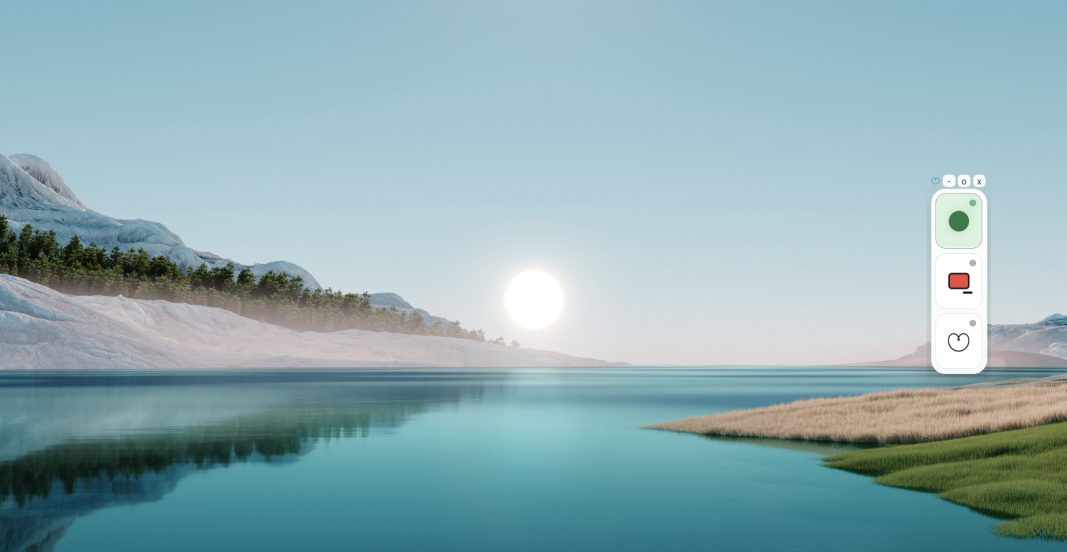
8-16 GB RAM, microphone, speakers or headphones, and stable internet. Best for Deskmate, hosted voice providers, and everyday desktop help.
16 GB RAM, 25 GB free storage, and ideally 6-8 GB VRAM. Good for lightweight local chat and experiments.
32-64 GB RAM, 12-24 GB VRAM, fast SSD storage, and a recent CPU. Better for larger models, coding assistants, and smoother local workflows.